
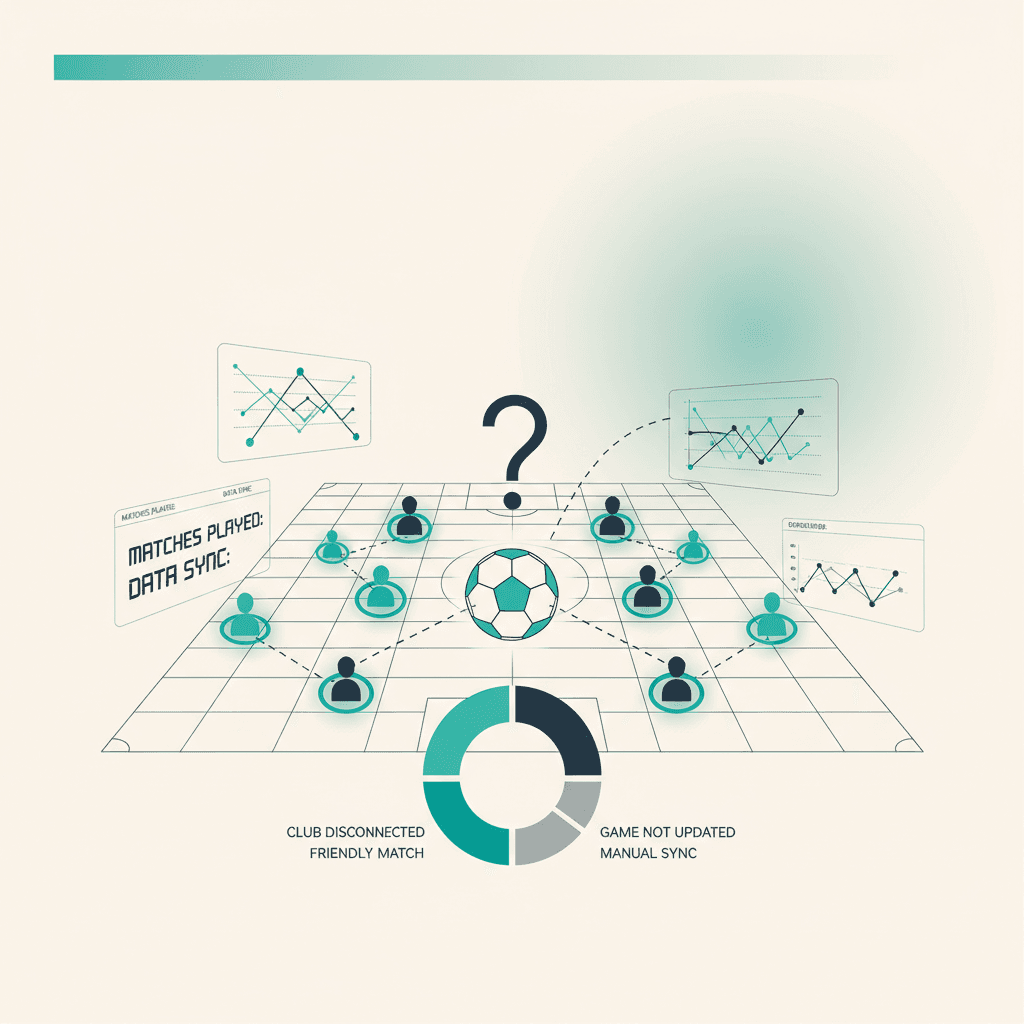
Sometimes a match you played doesn't show up in Mondo FC. Almost always it falls into one of these four buckets. Here they are in order of likelihood.
1. The club isn't linked (yet)
In Mondo FC → Club check that you see the EA club name with the correct platform (Next gen vs Old gen). If the screen says No club linked, run the search and link it: from then on matches are imported, including the most recent ones (the EA API keeps a recent history).
2. The match isn't a ranked online game
EA only exposes ranked online matches in the public club feed. Excluded: internal friendlies (Drop-in matches), games where club members guested for another team, anything offline. If the match falls into any of these, it won't show.
3. The sync hasn't run yet
ElevenBase reads the EA API on a periodic cron. If the match is recent, wait 10 minutes and refresh. To force a sync now, go to Mondo FC → Club and hit Sync now. You'll see a completion toast and the match should appear in the list within seconds.
4. EA had an outage
Rare but it happens: during global events or maintenance the EA API can be unresponsive or partial. In those cases Sync now returns an explicit error (visible as a toast). Retry in a few hours. Alternatively load a manual snapshot: export the JSON from the EA club page, then Mondo FC → Import EA snapshot.
Stuck or spotted a mistake? Email coach@elevenbase.pro or browse the other guides.