
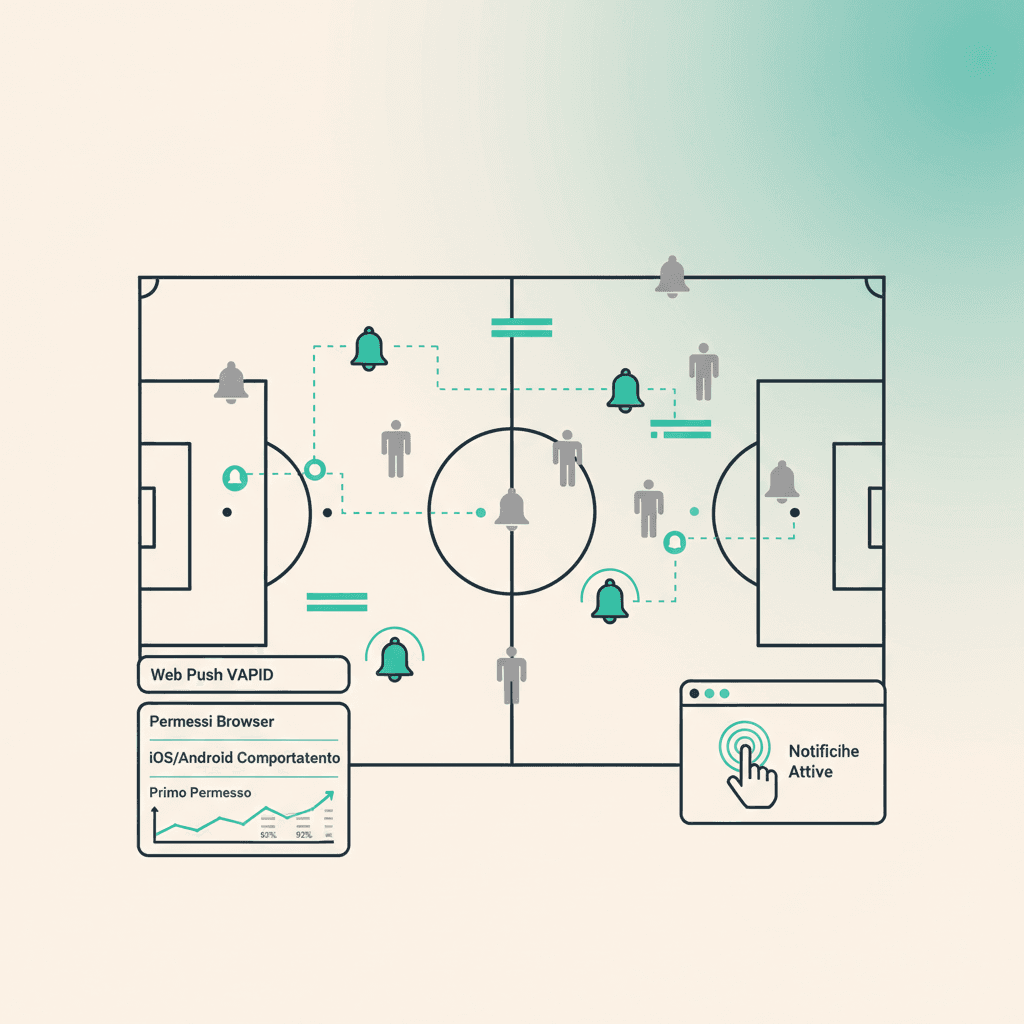
ElevenBase sends notifications on two channels: transactional email (call-ups and weekly digests) and browser Web Push (live responses and club updates). Push subscription is one click.
What you need
- A modern browser (Chrome, Edge, Firefox, Safari 16.4+ on iOS/macOS)
- A confirmed ElevenBase account (we get it from the Brevo email)
- Having opened the site at least once on that browser/device
How to enable
Go to Settings → Notifications. You see the Web Push box with an Enable notifications button. Tap it: the browser asks for permission, hit Allow. From then on you get pushes for:
- New session published where you're in the call-up
- You've been called up (late call-up changes)
- Your team-join request was approved
The first prompt matters
Browsers give a single chance for the native prompt. If you tap Block the first time, ElevenBase can't request again via API: you'll have to go into site settings (lock icon in the URL bar → Notifications → Allow) and enable it manually. That's why before asking we show a small UI explaining what happens — usually enough to avoid accidental blocks.
iOS and Android: quirks
On iOS web push only works after adding ElevenBase to the home screen (Safari → share → Add to Home). Open it as an app, then enable notifications from the in-app settings panel: it's an Apple constraint, not ours.
On Android (Chrome) the flow is straightforward: the prompt arrives the first time you hit Enable. If you blocked by mistake, go to Chrome settings → Site settings → app.elevenbase.pro → Notifications → Allow.
Disabling and granularity
In Settings → Notifications you have a Disable notifications button to drop the subscription on the current device. For now granularity is at event-type level (session/call-up/request), not per-team: it applies to all teams you belong to.
Stuck or spotted a mistake? Email coach@elevenbase.pro or browse the other guides.