
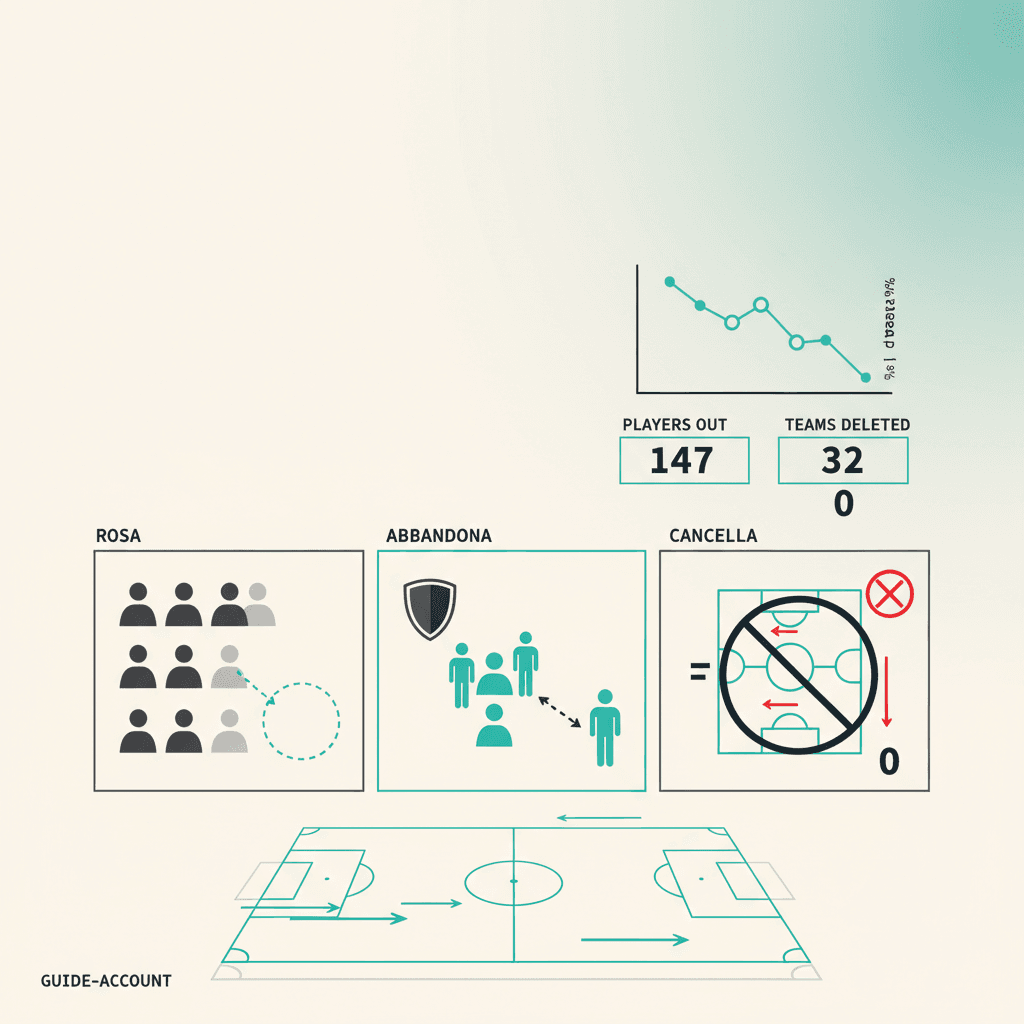
Three distinct actions and one founder-only choice: here's when to use which.
Leaving a team as a player
In Account → My teams you see the list of teams you belong to with your role. Hit Leave team on the relevant row. The membership flips to inactive: you stop receiving response links, you no longer see the team in the sidebar. Historical stats remain visible to founder and other members (the club's history is preserved).
Removing a player (founder)
From Admin → Members you can change someone's role or remove them from the team. Removal follows the same logic as Leave team: the player stops getting links, but historical stats remain attached to the record. To actually delete a player record (e.g. entered by mistake), there's a separate Delete player in the roster.
Deleting the team (founder only)
From Settings → Team → Danger zone you find Delete team. The action is irreversible: team, roster, sessions, matches, stats, public links and Mondo FC snapshots are removed. Your account data is preserved (you can create or join another team right after).
Stuck or spotted a mistake? Email coach@elevenbase.pro or browse the other guides.