
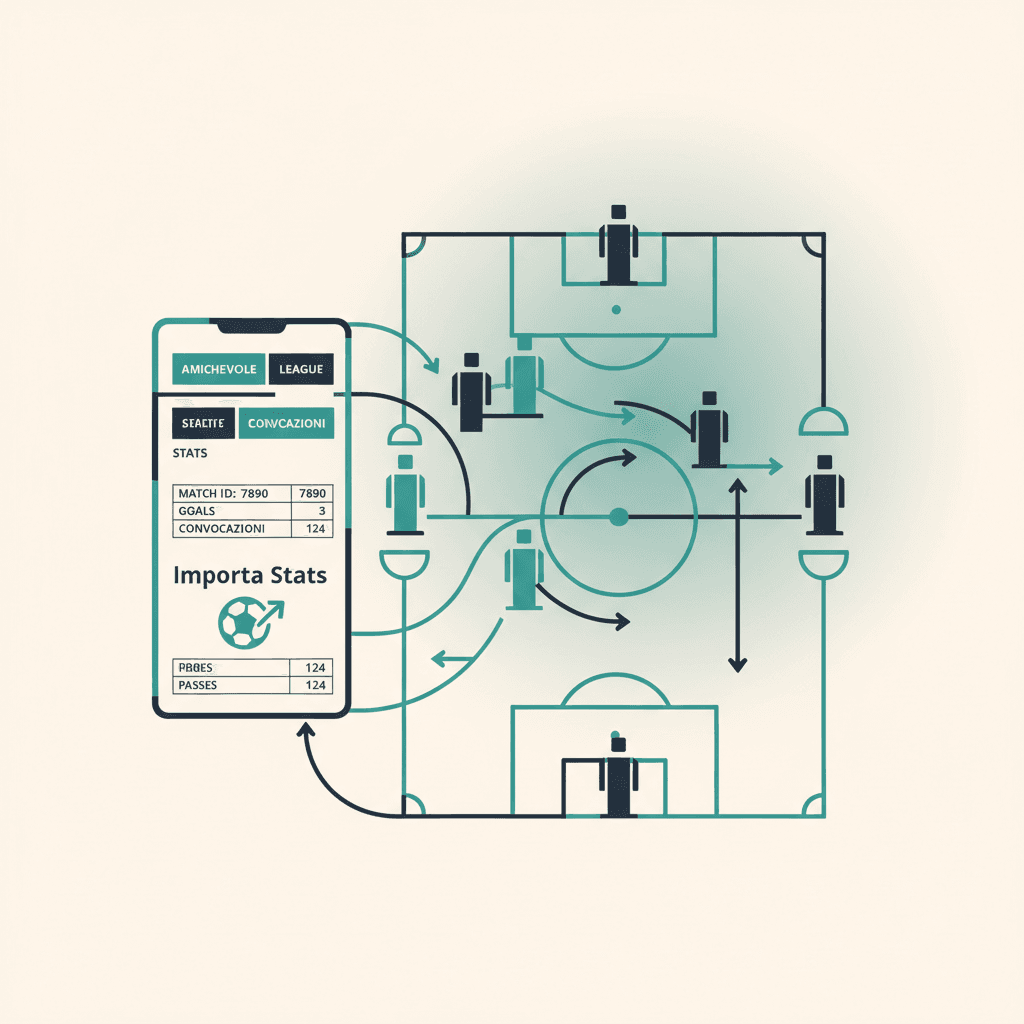
You created a match day and played it online. Now you want the EA stats (goals, assists, ratings, MOTM) to land on your ElevenBase match, with attendance and call-ups already filled in. The flow is one dialog, four clicks, sixty seconds.
Prerequisites: club linked and recent sync
Before linking, check that the EA club is connected in Mondo FC → Club. If you just finished the match, hit Sync now: ElevenBase pulls the latest ranked online games (league, playoff) and your club's friendlies. If you see no suggestions in the link dialog, the sync usually hasn't run yet or the match was offline.
Open the match in the session
Open the match day, then the single match (opponent, competition, kickoff). At the bottom of the card, next to the score, you'll find the Importa stats EA button. If the match has never been linked it's light grey; if you've already linked it once, the label reads Re-importa EA.
Pick the right EA match
The dialog lists suggestions sorted by affinity (date, time, opponent). At the top you get three filters: Tutte / Friendly / League / Playoff. For an 11-v-11 evening friendly tap Friendly; for a league game tap League. The search bar filters by opponent name, handy when you played two back-to-back versus similar clubs.
Merge or Replace?
Each row has two buttons: Merge sums the EA stats on top of anything you entered by hand (useful if you'd already written something manually); Replace overwrites everything with EA data. For the first import always go with Replace: no risk of duplicate rows.
What happens after the import
- Per-player stats (goals, assists, EA ratings, MOTM, yellows, reds) loaded into the match card.
- Attendance marked automatically for players who actually played according to EA, even if they hadn't replied to the link.
- Call-up created retroactively, so the player's call-up history stays consistent.
- Final toast summarising: stats imported, attendance created, any EA names not yet matched to an ElevenBase player profile.
Fixing 'unmatched names'
If the toast says Unmatched: Andrea91, GabriCM10, those two Pro Clubs handles aren't tied to an ElevenBase player profile yet. Open the roster, the player profile, the EA Sports tab, and paste the handle in the EA Sports ID field. From then on their future stats attribute automatically; for the past match you can re-open the dialog and run a Merge to recover just their rows.
Stuck or spotted a mistake? Email coach@elevenbase.pro or browse the other guides.