
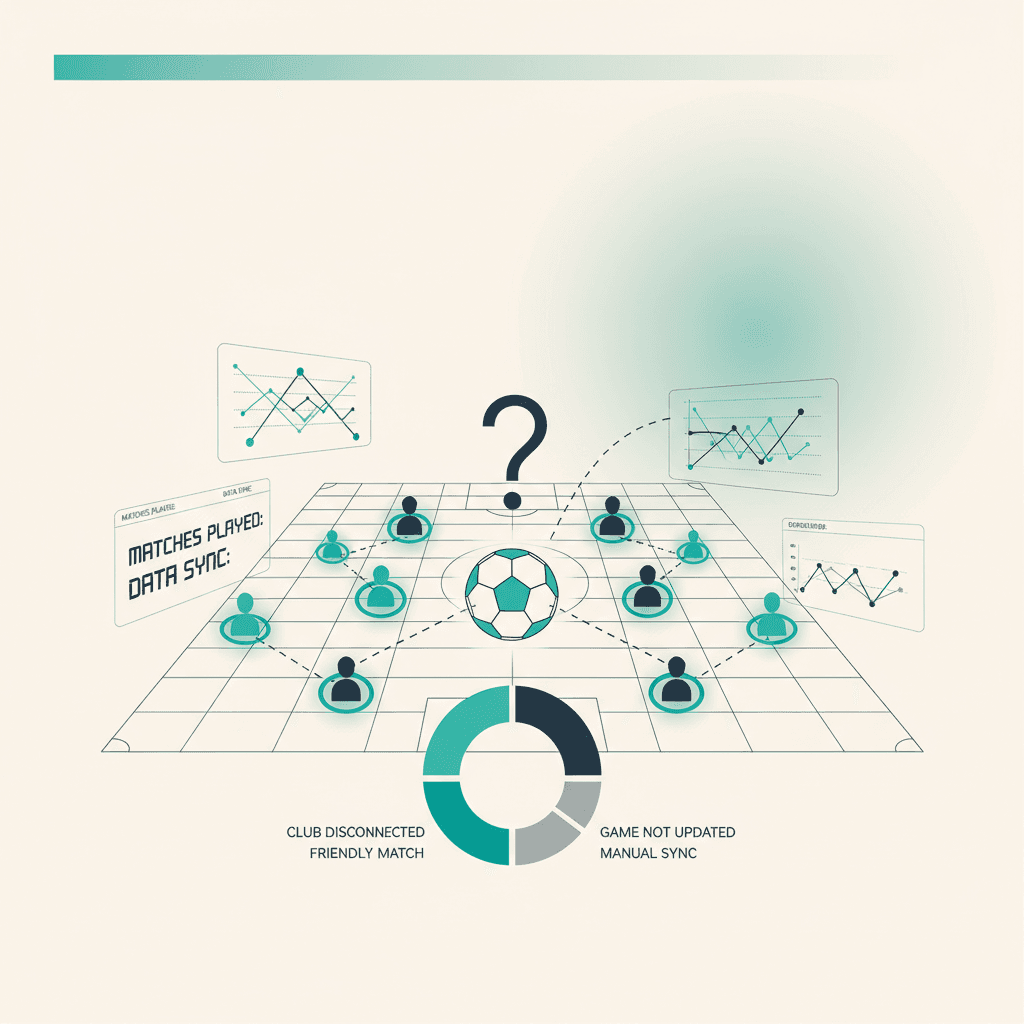
Manchmal taucht ein gespieltes Match nicht in Mondo FC auf. Fast immer liegt es an einer dieser vier Ursachen. Hier sind sie nach Wahrscheinlichkeit sortiert.
1. Der Club ist (noch) nicht verknüpft
In Mondo FC → Club check that you see the EA club name with the correct platform (Next gen vs Old gen). If the screen says No club linked, run the search and link it: from then on matches are imported, including the most recent ones (the EA API keeps a recent history).
2. Das Spiel ist kein gewertetes Online-Match
EA zeigt im öffentlichen Club-Feed nur gewertete Online-Spiele. Ausgeschlossen: interne Freundschaftsspiele (Drop-in Matches), Spiele bei denen Mitglieder als Gast für ein anderes Team gespielt haben, alles offline. Fällt das Spiel in eine dieser Kategorien, erscheint es nicht.
3. Die Synchronisierung lief noch nicht
ElevenBase reads the EA API on a periodic cron. If the match is recent, wait 10 minutes and refresh. To force a sync now, go to Mondo FC → Club and hit Sync now. You'll see a completion toast and the match should appear in the list within seconds.
4. EA hatte einen Ausfall
Rare but it happens: during global events or maintenance the EA API can be unresponsive or partial. In those cases Sync now returns an explicit error (visible as a toast). Retry in a few hours. Alternatively load a manual snapshot: export the JSON from the EA club page, then Mondo FC → Import EA snapshot.
Stuck or spotted a mistake? Email coach@elevenbase.pro or browse the other guides.