
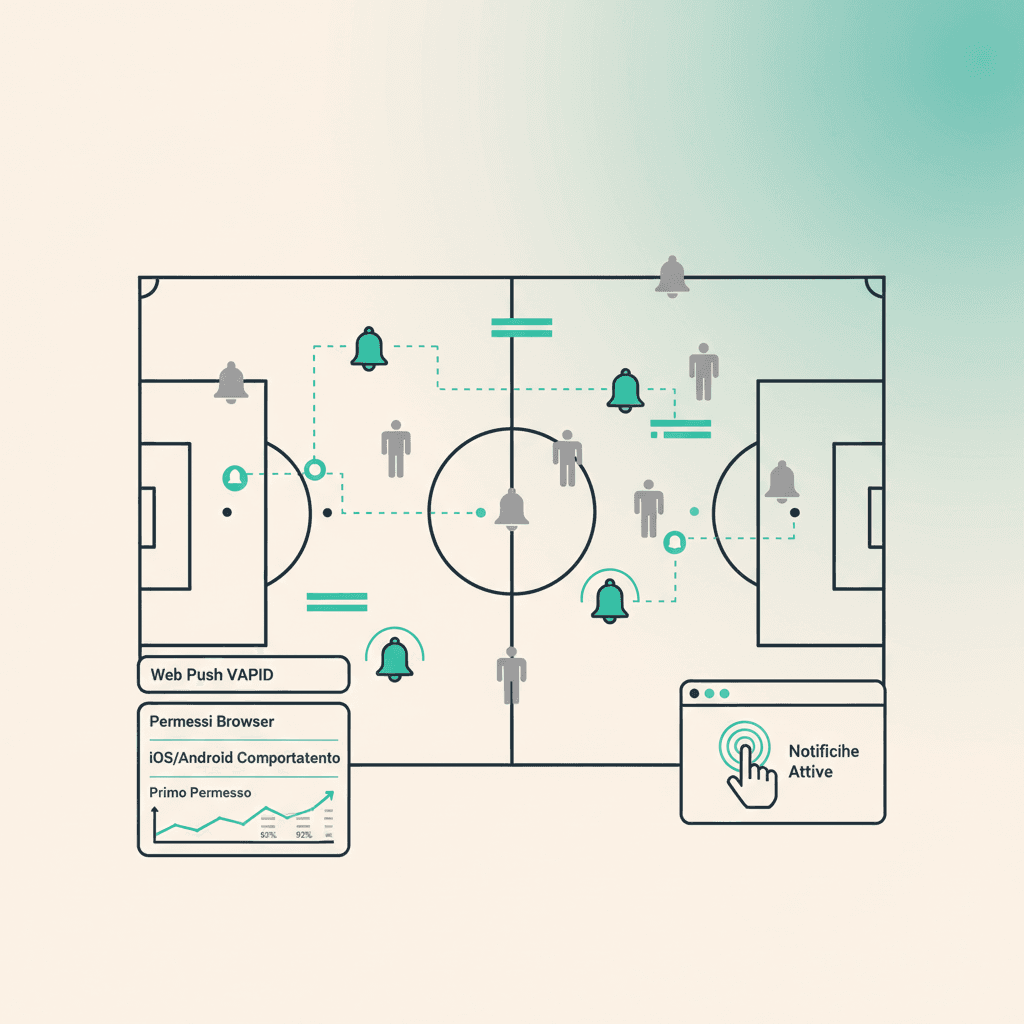
ElevenBase verschickt Benachrichtigungen über zwei Kanäle: transaktionale E-Mails (Aufgebote und wöchentliche Übersichten) und Browser Web Push (Live-Antworten und Club-Updates). Push-Abos sind ein Klick.
Was du brauchst
- Ein moderner Browser (Chrome, Edge, Firefox, Safari 16.4+ auf iOS/macOS)
- Ein bestätigtes ElevenBase-Konto (wir prüfen es über die Brevo-Mail)
- Die Seite mindestens einmal auf diesem Browser/Gerät geöffnet haben
So aktivierst du sie
Go to Settings → Notifications. You see the Web Push box with an Enable notifications button. Tap it: the browser asks for permission, hit Allow. From then on you get pushes for:
- Neue Session veröffentlicht, in der du im Aufgebot stehst
- Du wurdest aufgeboten (späte Änderungen am Aufgebot)
- Deine Team-Beitrittsanfrage wurde genehmigt
Die erste Abfrage zählt
Browsers give a single chance for the native prompt. If you tap Block the first time, ElevenBase can't request again via API: you'll have to go into site settings (lock icon in the URL bar → Notifications → Allow) and enable it manually. That's why before asking we show a small UI explaining what happens — usually enough to avoid accidental blocks.
iOS und Android: Eigenheiten
On iOS web push only works after adding ElevenBase to the home screen (Safari → share → Add to Home). Open it as an app, then enable notifications from the in-app settings panel: it's an Apple constraint, not ours.
Unter Android (Chrome) ist der Ablauf simpel: die Abfrage kommt beim ersten Tippen auf Aktivieren. Hast du aus Versehen blockiert, geh in die Chrome-Einstellungen → Website-Einstellungen → app.elevenbase.pro → Benachrichtigungen → Zulassen.
Deaktivieren und Granularität
In Settings → Notifications you have a Disable notifications button to drop the subscription on the current device. For now granularity is at event-type level (session/call-up/request), not per-team: it applies to all teams you belong to.
Stuck or spotted a mistake? Email coach@elevenbase.pro or browse the other guides.