
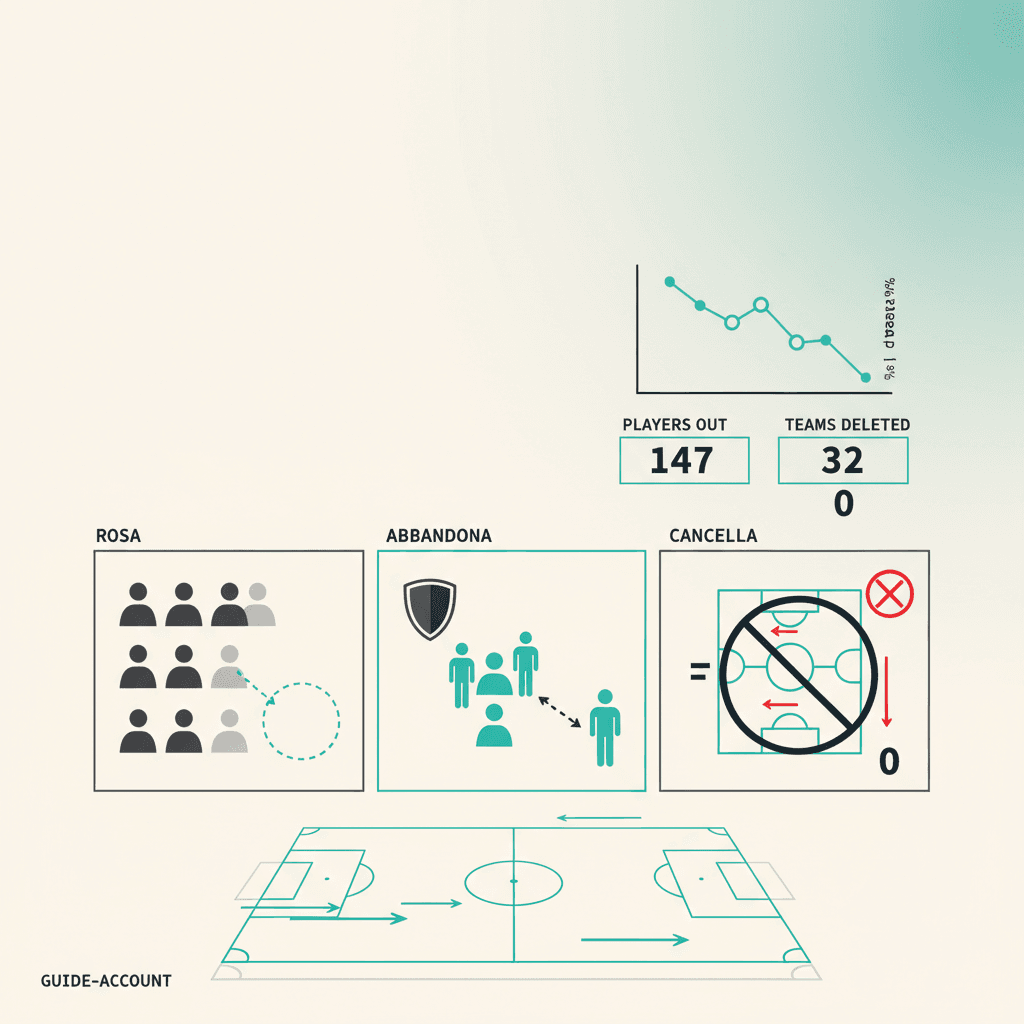
Drei klar getrennte Aktionen und eine, die nur dem founder offen steht: hier liest du, wann du was nutzt.
Als Spieler ein Team verlassen
In Account → My teams you see the list of teams you belong to with your role. Hit Leave team on the relevant row. The membership flips to inactive: you stop receiving response links, you no longer see the team in the sidebar. Historical stats remain visible to founder and other members (the club's history is preserved).
Spieler entfernen (founder)
From Admin → Members you can change someone's role or remove them from the team. Removal follows the same logic as Leave team: the player stops getting links, but historical stats remain attached to the record. To actually delete a player record (e.g. entered by mistake), there's a separate Delete player in the roster.
Team löschen (nur founder)
From Settings → Team → Danger zone you find Delete team. The action is irreversible: team, roster, sessions, matches, stats, public links and Mondo FC snapshots are removed. Your account data is preserved (you can create or join another team right after).
Stuck or spotted a mistake? Email coach@elevenbase.pro or browse the other guides.