
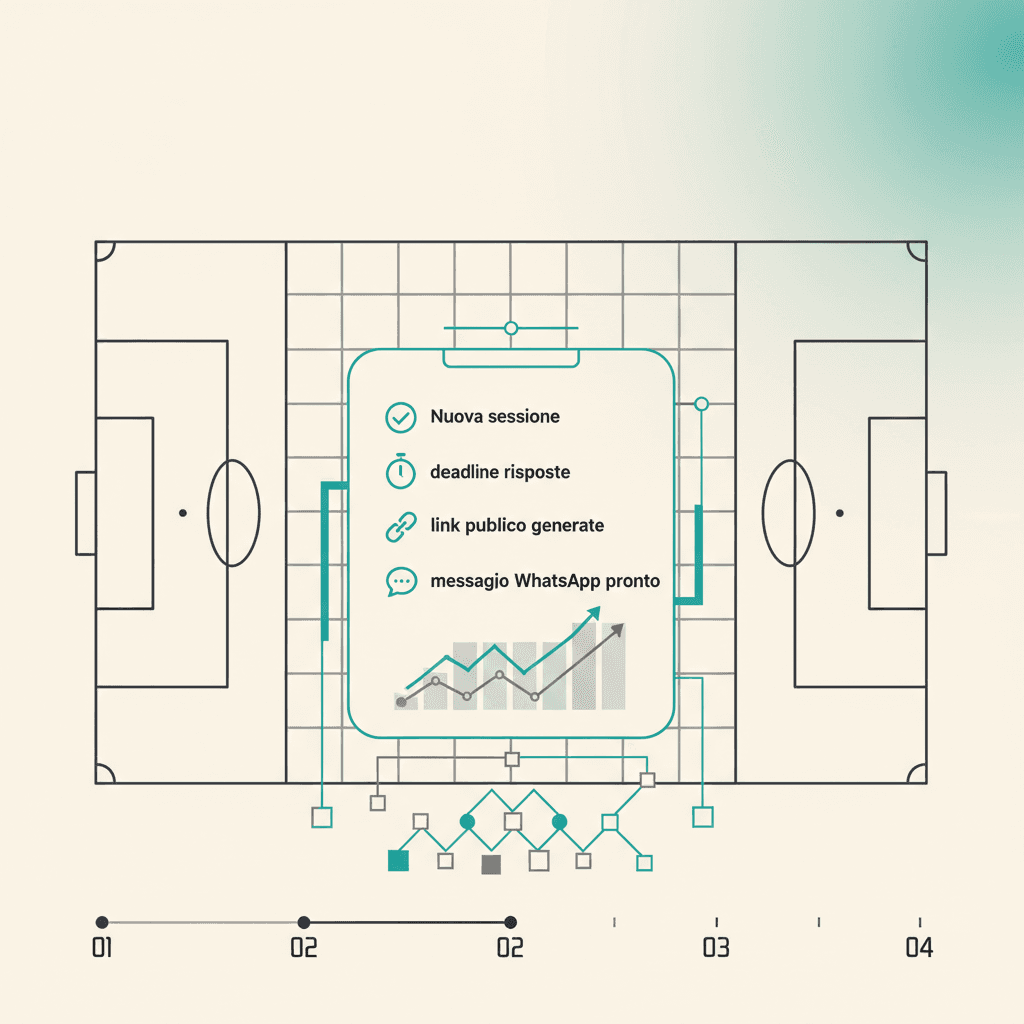
Eine Session ist jedes Event, das du tracken willst: Training, ein Spieltag oder mehrere Spiele am selben Abend. Du legst sie unter Sessions → Neue Session an, in drei Schritten.
1. Typ, Datum, Frist
Open the wizard. Decide if the session contains matches (has_matches) or is training-only. Set start date and time (default 21:30 tomorrow) and a response deadline (default 18:00 the same day). Deadline auto-tracks the event date unless you've already tweaked it.
Title and location are optional: if blank, the app generates Training {date} or Match day {date}. There's also an Include guests toggle: when on, players marked as guest also receive the response link.
2. (Optional) die Spiele des Tages
If you turned on has_matches, add one row per match in the session: opponent, competition (league, cup, friendly...), kickoff time, home/away. You can have multiple matches per session: the response list is shared, but in Mondo FC each match keeps its own result and lineup.
3. Veröffentlichen und Link teilen
Hit Create session. Right after, the app generates a public token and shows:
- the public page link (format
app.elevenbase.pro/?t=<token>) with a Copy link button - a Copy WhatsApp text button with a ready-made message: title, formatted date and time (e.g. Wed 14 May · 21:30), location when set, link
Fügst die Nachricht in den Chat ein und schaust dann zu, wie die Antworten live in der Session eintreffen. Nichts musst du dir per Hand merken.
Stuck or spotted a mistake? Email coach@elevenbase.pro or browse the other guides.