
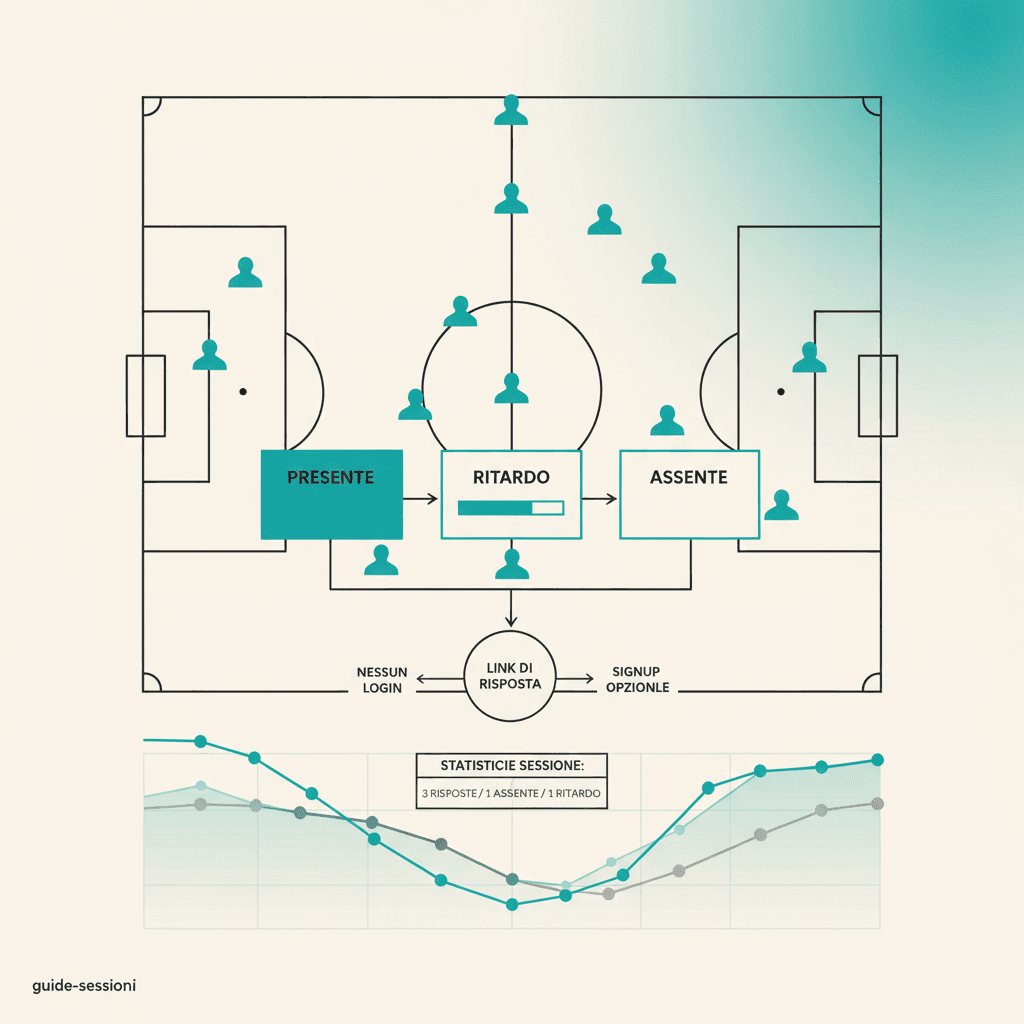
Der Link, den du im Chat teilst, ist der Standardweg, wie ein Spieler die Anwesenheit bestätigt. Hier liest du genau, was auf seiner Seite passiert, ganz ohne Login.
Die URL
Format: https://app.elevenbase.pro/?t=<token>. The token is a random signed identifier; it can't be guessed to access another club's session. When the app sees ?t= in the URL, it skips auth and routing and shows the public response page directly.
Was der Tippende sieht
- Team-Header (Name, Wappen, Primärfarbe falls gesetzt)
- Titel der Session, Datum und Uhrzeit, optional Ort, Spiele des Tages falls vorhanden
- Live-Zähler der Antworten (z. B. 14 Spieler, 11 haben schon geantwortet)
- Ein Dropdown mit den Kadernamen, damit du deinen wählen kannst
- Drei Status-Buttons: Anwesend, Verspätet, Abwesend
Once you tap a status, you get instant confirmation. To change your mind, pick your name again and tap another status: latest vote wins. The server-side RPC is submit_session_response_with_token and tags the response with source = public-link.
Optionale Registrierung nach der Antwort
Below the form there's a Want to see your stats? box: three fields (first name, last name, email) and a password. If you sign up here, the account is auto-linked to the player record via the email the founder had entered (or, if none, the one you provide). From then on you log in and see your personal card with goals, assists, ratings, attendance.
Token-Sicherheit
The token is bound to a single session and is invalidated once that session is archived. It doesn't identify who taps: player identity comes only from the dropdown choice. If you got a link by mistake, just don't pick yourself.
Stuck or spotted a mistake? Email coach@elevenbase.pro or browse the other guides.