
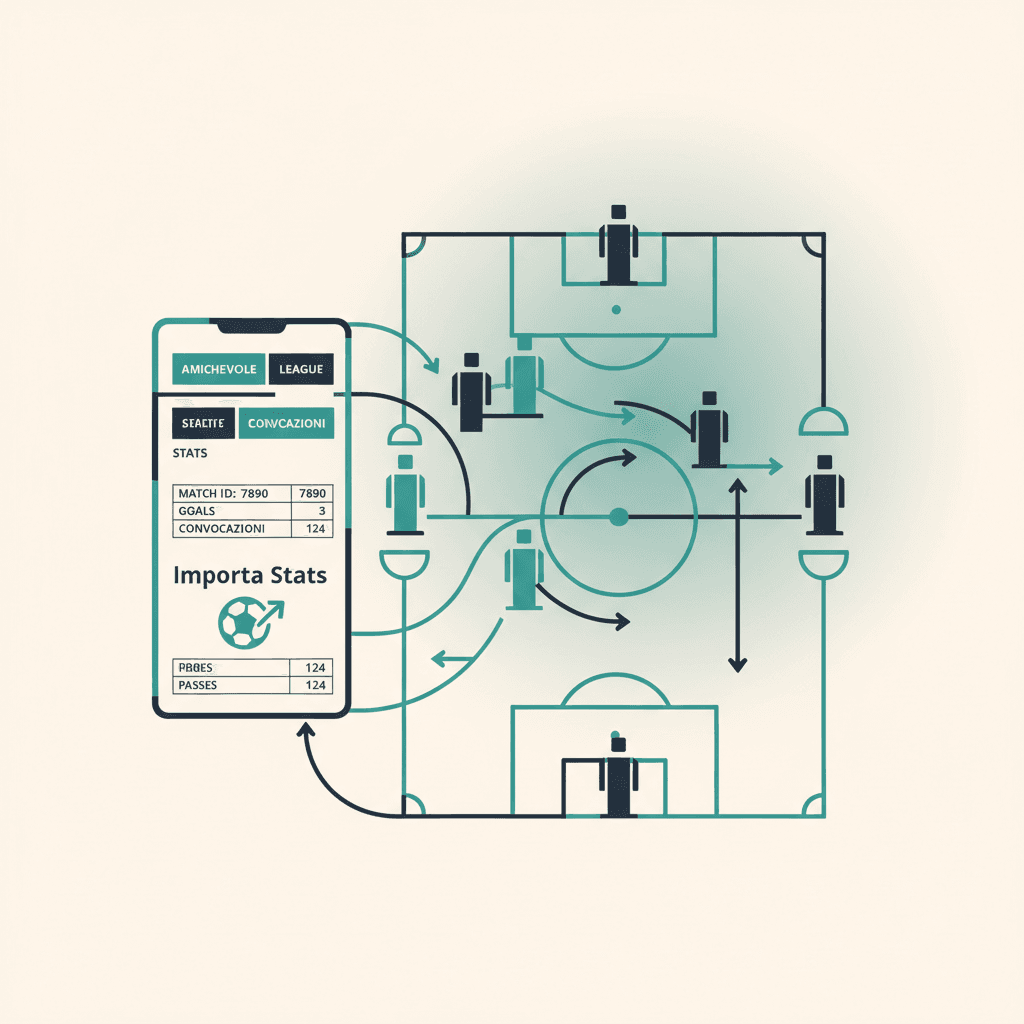
Du hast einen Spieltag angelegt und online gespielt. Jetzt willst du die EA-Statistiken (Tore, Vorlagen, Bewertungen, MOTM) auf deinem ElevenBase-Spiel haben, mit bereits ausgefüllter Anwesenheit und Aufgeboten. Der Flow: ein Dialog, vier Klicks, sechzig Sekunden.
Voraussetzungen: Club verknüpft und kürzlich synchronisiert
Before linking, check that the EA club is connected in Mondo FC → Club. If you just finished the match, hit Sync now: ElevenBase pulls the latest ranked online games (league, playoff) and your club's friendlies. If you see no suggestions in the link dialog, the sync usually hasn't run yet or the match was offline.
Spiel in der Session öffnen
Open the match day, then the single match (opponent, competition, kickoff). At the bottom of the card, next to the score, you'll find the Importa stats EA button. If the match has never been linked it's light grey; if you've already linked it once, the label reads Re-importa EA.
Das richtige EA-Spiel auswählen
The dialog lists suggestions sorted by affinity (date, time, opponent). At the top you get three filters: Tutte / Friendly / League / Playoff. For an 11-v-11 evening friendly tap Friendly; for a league game tap League. The search bar filters by opponent name, handy when you played two back-to-back versus similar clubs.
Zusammenführen oder Ersetzen?
Each row has two buttons: Merge sums the EA stats on top of anything you entered by hand (useful if you'd already written something manually); Replace overwrites everything with EA data. For the first import always go with Replace: no risk of duplicate rows.
Was nach dem Import passiert
- Spielerstatistiken (Tore, Vorlagen, EA-Bewertungen, MOTM, Gelbe, Rote) werden in die Spielkarte geladen.
- Anwesenheit wird automatisch für die Spieler markiert, die laut EA wirklich gespielt haben, auch wenn sie den Link nicht beantwortet hatten.
- Aufgebot wird rückwirkend erstellt, damit der Aufgebotsverlauf des Spielers konsistent bleibt.
- Abschluss-Toast mit Zusammenfassung: importierte Statistiken, erstellte Anwesenheit, EA-Namen, die noch keinem ElevenBase-Profil zugeordnet sind.
'Unmatched names' korrigieren
If the toast says Unmatched: Andrea91, GabriCM10, those two Pro Clubs handles aren't tied to an ElevenBase player profile yet. Open the roster, the player profile, the EA Sports tab, and paste the handle in the EA Sports ID field. From then on their future stats attribute automatically; for the past match you can re-open the dialog and run a Merge to recover just their rows.
Stuck or spotted a mistake? Email coach@elevenbase.pro or browse the other guides.